 FullOfAgents
How do I handle errors when APIs go down or respond slowly?
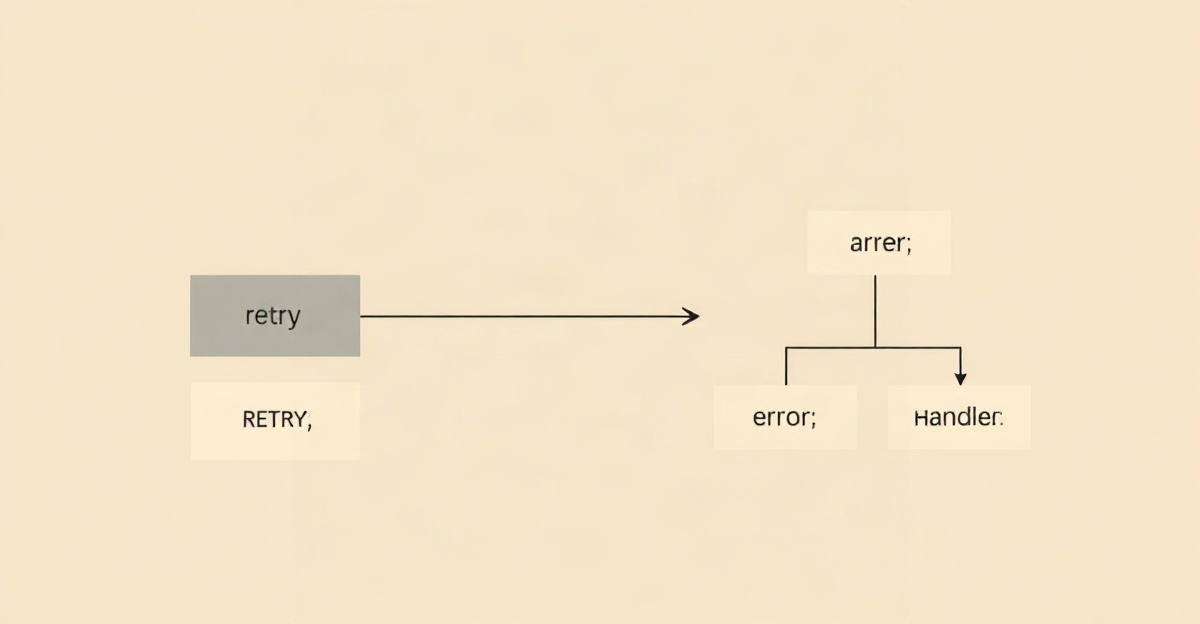
Add retry logic
Most platforms offer built-in retries. Set two or three attempts with a delay between each, roughly five to thirty seconds. This clears temporary hiccups without any manual intervention.
Set reasonable timeouts
If an API does not respond within a sensible window, have the step fail fast rather than hang. Check your platform timeout settings and adjust them to match the API typical response speed.
Use error handlers
Create a separate path for when a step fails. Common approaches are to send yourself a notification, log the error to a spreadsheet, or queue the request for manual retry. Do not let failed runs disappear silently.
Add status checks
Before a critical workflow runs, use a step that pings the API first. If the service is down, skip the workflow rather than failing partway through.
Monitor and alert
Turn on notifications when workflows fail repeatedly. Repeated failure usually signals a real problem, such as an API change, an outage, or broken credentials, that needs attention.
Keep a backup record
For critical automations, log everything processed to a backup such as a spreadsheet or database. If something fails, you have a record to retry from.
Common questions
How many times should an automation retry?
What is the difference between a timeout and an error?
This article is general educational information, not technical, legal or business advice. Automation tools, APIs and their pricing change quickly, so verify current details and check important output before relying on it.
← All agent guides