 FullOfAgents
Should I use a no-code platform or write custom code?
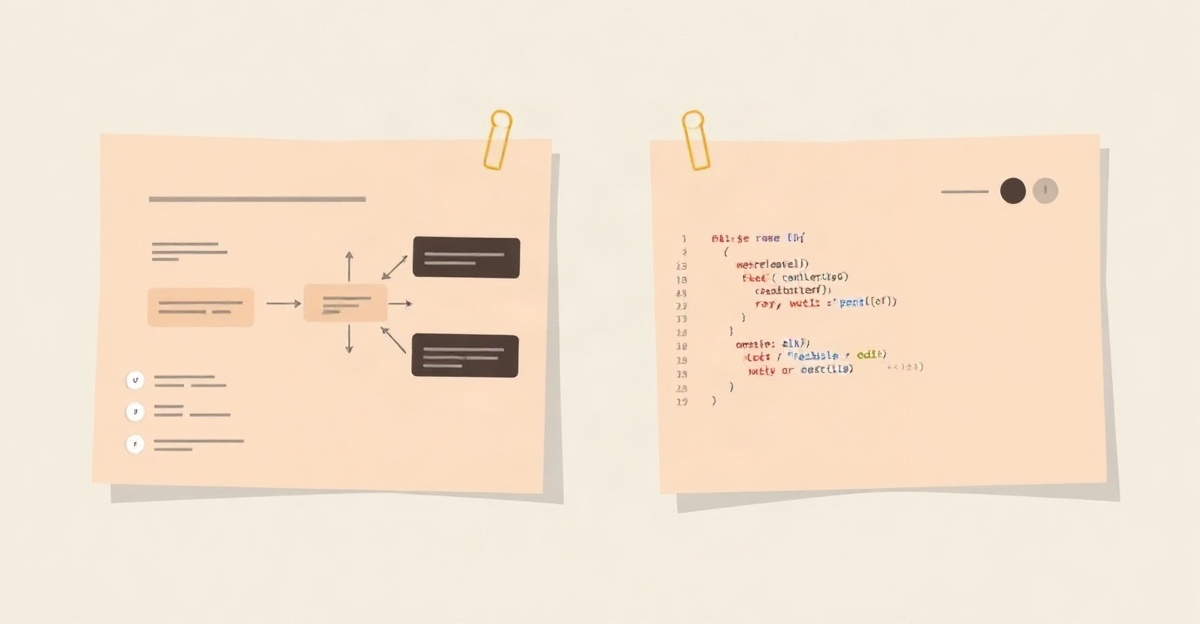
No-code covers most cases
If your automation moves data between services, sends notifications, or branches on simple conditions, a no-code platform handles it. You build visually with no programming, which suits small to medium workflows run by non-developers.
Where no-code runs out
Complex logic, custom calculations, or connecting to an unusual service can become awkward. Some platforms charge steeply for advanced features, and you are bound by the platform design choices.
Where custom code helps
With code you can integrate almost anything and handle complex logic with full control. The trade-off is that it needs a developer, takes longer to build, and requires ongoing maintenance.
A hybrid approach
Many platforms let you run small code snippets inside a visual workflow. That bridges the gap: use visual tools for most of the work and drop in code only for the tricky parts.
Choose by complexity
Start with no-code. Move to code only if you keep hitting platform limits or need something genuinely complex. Most business automations stay within no-code reach, so switch only when you find yourself fighting the tool constantly.
Common questions
Is no-code less reliable than code?
Can I move from no-code to code later?
This article is general educational information, not technical, legal or business advice. Automation tools, APIs and their pricing change quickly, so verify current details and check important output before relying on it.
← All agent guides